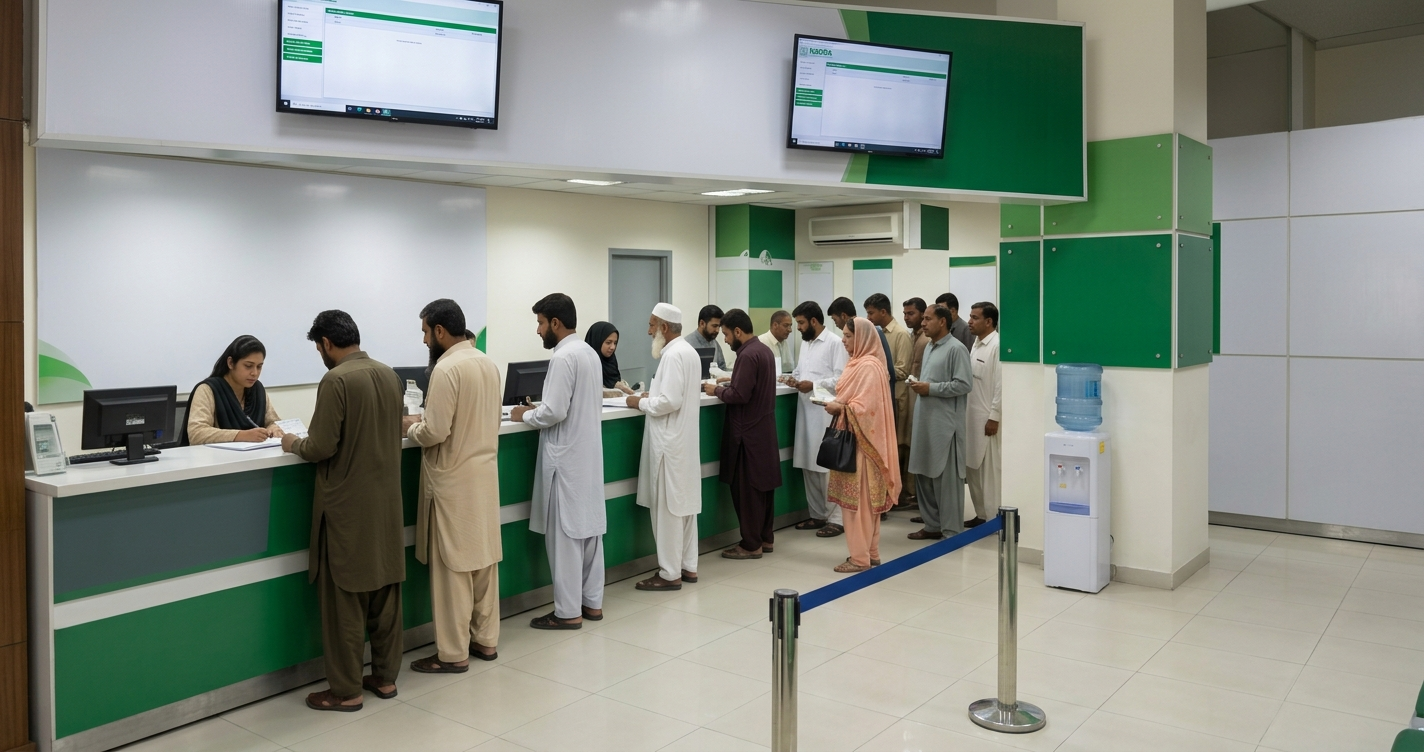
Ever found yourself standing in a serpentine queue outside a registration center, clutch of birth certificates in hand, wondering if there was a smoother way to handle your official identification? Whether you are updating your marital status, renewing an expired card, or managing documents for relatives living abroad, navigating identity paperwork can feel daunting.
Enter the modern NADRA ecosystem. Over the past few years, Pakistan’s National Database and Registration Authority has quietly undergone a massive digital makeover. What used to take half a day of waiting in crowded lobbies can now often be completed right from your smartphone.
In this complete 2026 guide, we break down everything you need to know about NADRA’s online services, smart identity cards, fee structures, application tracking, and biometric verification—so you can get your documents sorted without the headache.
What Is NADRA and Why Has It Gone Digital?

NADRA stands for the National Database and Registration Authority. Established to manage citizenship records and issue state identification, it operates one of the world’s largest multi-biometric citizen databases.
Historically, getting or updating a Computerised National Identity Card (CNIC) meant visiting a local NADRA Registration Centre (NRC). Today, thanks to the PakID web portal and mobile app, NADRA functions as a digital identity ecosystem. Through smartphone camera biometrics, AI-assisted document verification, and digital payment integrations, millions of Pakistanis—both at home and overseas—can manage their identity documents online 24/7.
Key Identity Documents Issued by NADRA
Before filing an application, it is helpful to understand the primary documents NADRA offers and which one matches your needs:
- CNIC (Computerised National Identity Card): The baseline 13-digit identity card issued to all Pakistani citizens aged 18 and older.
- Smart CNIC: An upgraded, microchip-embedded identity card featuring multi-layered security, anti-tamper materials, and automated verification capability.
- NICOP (National Identity Card for Overseas Pakistanis): Issued to Pakistani citizens who reside, work, or hold dual nationality abroad. It allows visa-free entry into Pakistan.
- POC (Pakistan Origin Card): Designed for foreign nationals who have a registered Pakistani spouse or Pakistani parental heritage.
- CRC (Child Registration Certificate / B-Form): The official registration document for citizens under 18 years old, recorded against their parents’ identity profile.
- Juvenile Card: A chip-based identity card issued to minors aged 10 to 18.
- FRC (Family Registration Certificate): A document detailing your family composition (either by birth with parents/siblings or by marriage with spouse/children).
The PakID Mobile App: Biometrics at Your Fingertips
The biggest game-changer in recent years is the PakID App (available on iOS and Android). It transforms your smartphone into a virtual registration desk.
[ Download PakID App ] ➔ [ Create / Sign In Account ] ➔ [ Choose Service ] ➔ [ Scan Fingerprints & Photo ] ➔ [ Pay Fee ]
What You Can Do via the App
- Biometric Fingerprint Scanning: The app uses your smartphone camera to capture, scan, and verify your fingerprints without external scanners.
- Passport-Style Photo Capture: Built-in guidance ensures your photo meets international ICAO standards for lighting, angle, and face composition.
- Digital Signature & Document Upload: Simply sign on your touchscreen and upload PDFs or clear photos of required supporting documents.
- Live Application Tracking: Check real-time progress as your card moves from processing to printing and delivery.
Pro Tip: When capturing fingerprints on the PakID app, stand in a bright room with a plain, neutral background. Position your fingers steady inside the on-screen guide frame for instant approval.
NADRA Fee Structure & Processing Timelines (2026 Overview)
NADRA offers processing tiers tailored to your urgency: Normal, Urgent, and Executive.
Note: Fees and timelines are subject to policy adjustments. Rates below represent standard benchmark categories.
| Document Type | Priority Category | Approx. Processing Time | Standard Inland Fee (PKR) |
| New CNIC (Paper-based/Standard) | Normal | ~15 Days | Free (0/-) |
| CNIC Renewal / Modification | Normal / Urgent / Executive | 6 to 15 Days | Rs. 400 – Rs. 2,150 |
| Smart CNIC (New / Renewal) | Normal / Urgent / Executive | 9 to 31 Days | Rs. 750 – Rs. 2,500 |
| Family Registration Cert. (FRC) | Executive / Instant | 1 Day | Rs. 1,000 |
| Child Registration Cert. (CRC / B-Form) | Normal / Executive | 1 to 7 Days | Rs. 50 – Rs. 500 |
| Smart NICOP (Overseas – Zone B) | Normal / Urgent / Executive | 9 to 31 Days | USD $20 – USD $40 |
Payment Methods
Paying online is straightforward. NADRA accepts:
- Credit / Debit Cards (Visa & Mastercard)
- Raast Payment Gateway (via QR Code)
- Digital Wallets (JazzCash, EasyPaisa)
- eSahulat Franchises across the country
Step-by-Step: How to Renew or Modify Your CNIC Online
If your card has expired or you need to update information like your address or marital status, here is the fastest way to get it done:
- Set Up an Account: Visit the official PakID web portal or launch the PakID app and register using an active email address and phone number.
- Start a New Application: Select “Identity Document” and choose your desired service (e.g., CNIC Renewal or CNIC Modification).
- Fill Out the Details: Enter your 13-digit CNIC number and carefully input any updated details.
- Upload Supporting Documents: If changing address or marital status, upload necessary proofs like a marriage certificate (Nikahnama) or property lease.
- Capture Biometrics & Photo: Follow the app prompts to scan your fingers, upload an ICAO-compliant photograph, and sign digitally.
- Pay and Submit: Choose your preferred payment option, review your application summary, and submit.
- Track Delivery: Your application tracking ID allows you to follow every step until the physical card is home-delivered via courier.
Common Mistakes to Avoid When Applying Online
While the online system is convenient, minor oversights can pause your application. Keep these points in mind:
Read More: Rams vs Panthers Match Player Stats The Full Breakdown
- Unclear Document Scans: Shadows or cut-off corners on uploaded documents lead to immediate rejection or verification holds. Always use clean, brightly lit scans.
- Incorrect Name Spellings: Ensure transliterated names in English match official supporting documents like your passport or matriculation certificate.
- Expired Attestation Records: If your application requires blood-relative attestation, ensure the relative’s CNIC is active and valid.
- Biometric Timeout: When making payments via Raast QR codes, complete the transaction within the 30-minute window before the code expires.
FAQs
1. How can I track my NADRA application status?
You can track your application status by logging into your account on the PakID mobile app or website. Alternatively, send your Application Tracking ID via SMS to 8400 from your registered mobile number in Pakistan.
2. Can overseas Pakistanis apply for a Smart NICOP completely online?
Yes. Overseas Pakistanis can process complete Smart NICOP renewals, modifications, or reprints via the PakID mobile app without visiting an embassy or consulate.
3. What is the difference between a standard CNIC and a Smart CNIC?
A standard CNIC features basic printed security elements, whereas a Smart CNIC contains an encrypted microchip storing biometric data. Smart cards offer higher security against identity theft and support advanced digital authentication services.
4. How long is an adult CNIC valid?
CNICs issued to adult citizens aged 18 and older are valid for 10 years. Seniors over the age of 60 can receive lifetime validity cards.
5. What should I do if my CNIC is lost?
Log in to the PakID app or visit your nearest NRC to apply for a Duplicate CNIC. You will need your 13-digit card number and basic identity verification details.
For more updates visit: STORY VISTA