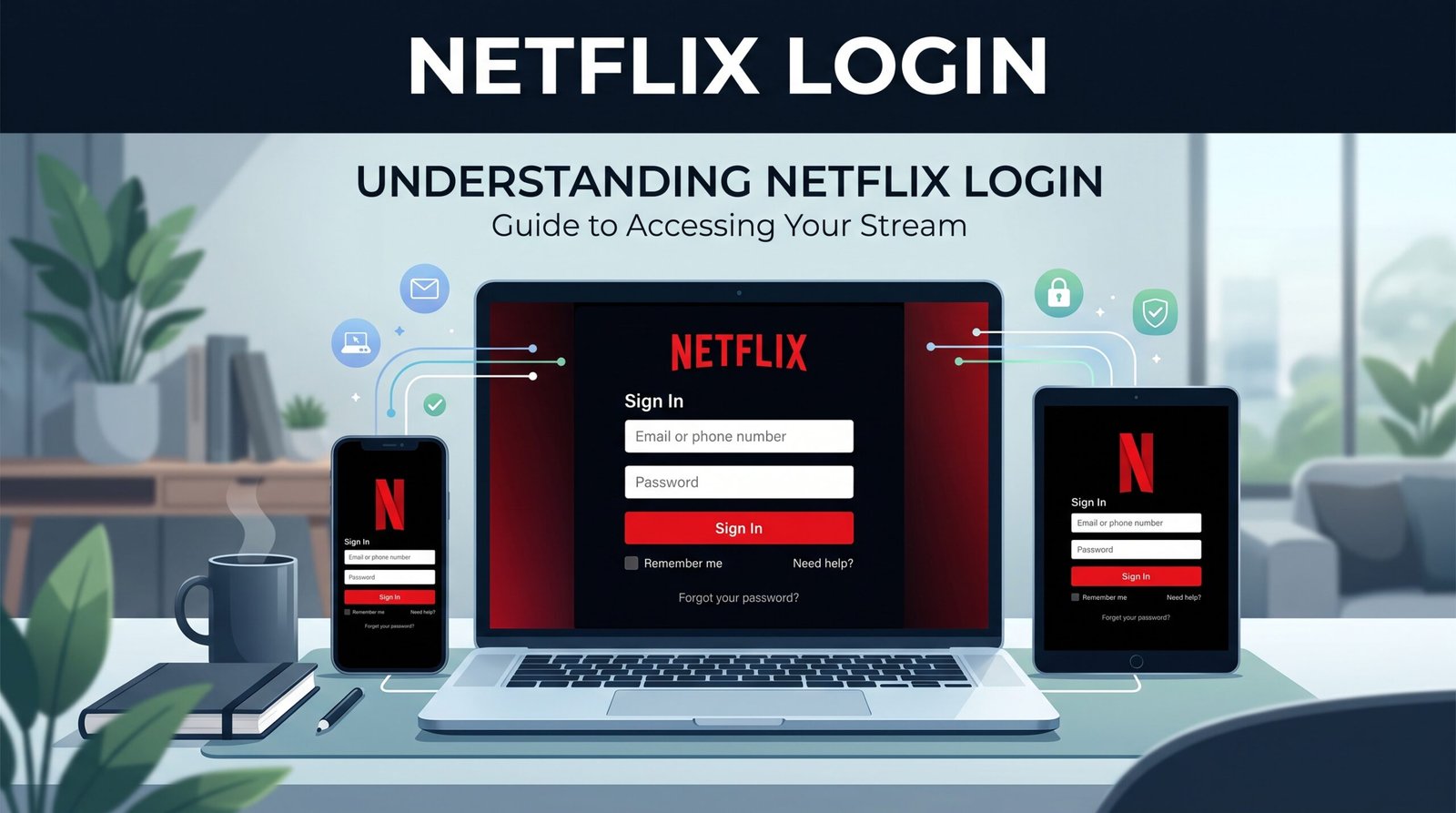
Picture this: you’ve got your popcorn ready, curled up under a blanket, and you’re set to binge-watch the latest viral series everybody on social media is talking about. You fire up your smart TV or phone, type in your credentials, and boom an error message stops you in your tracks.
Getting locked out at the netflix login screen is an absolute mood killer. Whether you’re dealing with forgotten passwords, confusion over household location verifications, or the newest mandatory email updates for shared profiles, sign-in troubles happen to the best of us.
In this comprehensive guide, we’ll cover how to sign in seamlessly across all your devices, troubleshoot frustrating login bugs, and navigate the latest updates to keep your account secure.
Step-by-Step: How to Sign In on Any Device
Signing in sounds straightforward, but different devices use different flows. Here is the fastest way to access your account across popular tech setups.
                  ┌───────────────────────────┐
                  │    NETFLIX SIGN-IN HUBS   │
                  └─────────────┬─────────────┘
                                │
       ┌────────────────────────┼────────────────────────┐
       │                        │                        │
       ▼                        ▼                        ▼
┌──────────────┐         ┌──────────────┐         ┌──────────────┐
│ WEB & APP    │         │  SMART TV    │         │ GAMING CON.  │
│ Direct Login │         │ QR / TV Code │         │ Activation   │
└──────────────┘         └──────────────┘         └──────────────┘
On Desktop or Mobile Web
- Head directly to the official home page at
netflix.com. - Click or tap the red Sign In button in the top right corner.
- Enter your primary email address or linked mobile phone number along with your password.
- Hit Sign In.
On Smart TVs and Streaming Sticks
- Open the Netflix app on your smart TV, Roku, Firestick, or Apple TV.
- Choose Sign In.
- Quick Login Option: Many modern TVs show a QR code or an 8-digit activation code on screen. Scan the QR code using your phone camera or visit
[netflix.com/tv](https://netflix.com/tv)on your mobile browser, enter the code, and confirm. - Manual Option: Alternatively, select Sign In on TV and use your remote control to enter your account credentials manually.
What’s New in 2026? Mandatory Unique Emails for Shared Profiles
If you share a household plan with family members, you might have noticed a major update rolling out. Netflix now requires each distinct adult profile on a shared account to be linked to its own unique email login.
READ MORE: Can You Really Watch Instagram Stories Without Being Seen?
While all profiles remain under the primary account owner’s billing, this change allows each person to receive independent sign-in verification codes and manage individual display, subtitle, and notification preferences without relying on the primary account holder. (Note: Kids’ profiles are exempt from this rule and remain tied to the primary account).
Quick Tip: If you travel frequently or stream away from home, log into your main account on your primary home Wi-Fi network at least once every 31 days. This keeps your laptop or mobile device marked as an “approved home device” and avoids unexpected verification prompts.
How to Fix Common Netflix Login Issues
When you can’t access your watch list, don’t panic. Most sign-in glitches stem from simple network or browser issues.
| Common Error | Primary Cause | Quickest Solution |
| “Incorrect Password” | Typo, caps lock, or outdated saved credentials | Click “Show Password” to double-check or request a password reset. |
| “Not Part of Netflix Household” | Streaming on an unverified network outside home Wi-Fi | Tap “I’m Traveling” to request a temporary 7-day access code via email/SMS. |
| “Sorry, something went wrong” | Corrupted browser cookies or app cache | Navigate to [netflix.com/clearcookies](https://netflix.com/clearcookies) or clear the app’s cache. |
| “Account not found with this email” | Typo in email address or updated billing details | Use your linked phone number or recovery card details at [netflix.com/loginhelp](https://netflix.com/loginhelp). |
How to Reset a Forgotten Password
If you can’t remember your password, recovering your account takes just a couple of minutes:
- Go directly to
[netflix.com/loginhelp](https://netflix.com/loginhelp). - Choose your preferred recovery method: Email or Text Message (SMS).
- Enter your details and submit.
- Open the reset link sent to your inbox (or enter the 6-digit code received via SMS).
- Create a strong, new password.
- Security Best Practice: Check the box for “Sign out of all devices” during reset to clear out any old or unrecognized sessions.
Simple Account Security & Privacy Best Practices
Keeping your streaming profile secure doesn’t require a degree in cybersecurity. Following a few basic habits ensures nobody eats up your screen limit or messes up your recommendation algorithm:
READ MORE: Story Viewer Explained What It Is, How It Works, and Is It Safe?
- Check Active Devices Regularly: Visit your account dashboard and review the Manage Access and Devices tab. If you see a device logged in from a city you haven’t visited, click Sign Out immediately.
- Avoid Unofficial Third-Party Apps: Always stream through official apps or direct web browsers. Web extensions promising free access often compromise your personal credentials.
- Update Your Password Manager: If you use password tools like Google Password Manager or Apple Keychain, update saved entries whenever you change your password to avoid automatic sign-in errors.
FAQs
Why does Netflix say my device isn’t part of the household?
Netflix uses IP addresses, device IDs, and network activity to determine your primary household location. If you’re traveling or using mobile data, you may need to request a temporary verification code sent to the primary email/phone on file to verify access.
How do I log out of Netflix on a TV I can no longer access?
If you logged into a hotel room TV or a friend’s house and forgot to sign out, open Netflix on your phone or web browser, go to Account Settings > Manage Access and Devices, find the specific TV, and click Sign Out.
Can I log in using my phone number instead of an email?
Yes, if you have previously added and verified your mobile phone number in your account settings, you can use that phone number along with your password to log in.
What should I do if I didn’t receive the password reset email?
First, check your spam, junk, and promotions folders. If it’s missing, add info@account.netflix.com to your email contact list and request a new link at [netflix.com/loginhelp](https://netflix.com/loginhelp).
For more updates visit: STORY VISTA






2 Comments